How I built Kujua Focus with AI, from research brief to my phone
Twelve steps, four phases, one real app, including the build that failed for a reason that had nothing to do with code.
 Samuel Audu
28 Oct 2026·2 min read
Build Logs
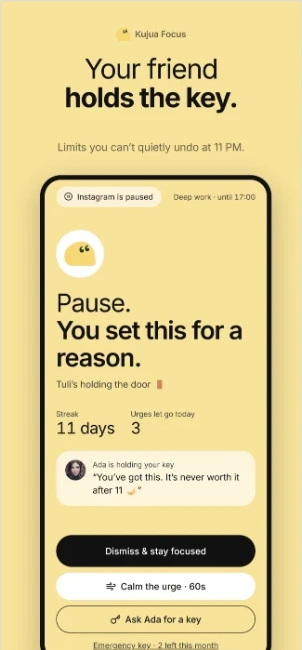
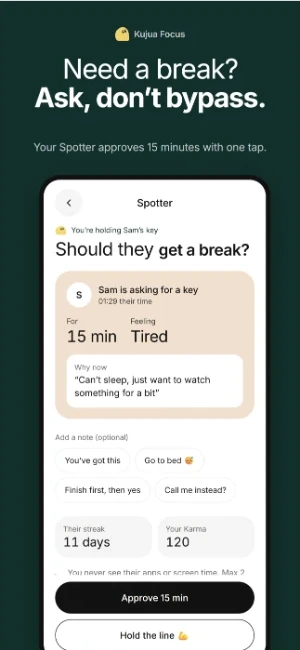
Kujua Focus is a digital wellbeing app built around one idea: a friend holds the key. This is the exact order I built it in, so you can copy the process for your own idea.
Phase 1: Think before you build
I started with a research brief covering the problem, competitors and the habit science behind it. The AI turned that into a PRD, then a feature backlog tagged MVP, 1.1 and 2.0.
Phase 2: Design before you code
I wrote the visual style once, as a design.json file, then built a single demo screen that used every component. I checked it on my phone with Expo Go before building anything else.
Phase 3: Build in layers
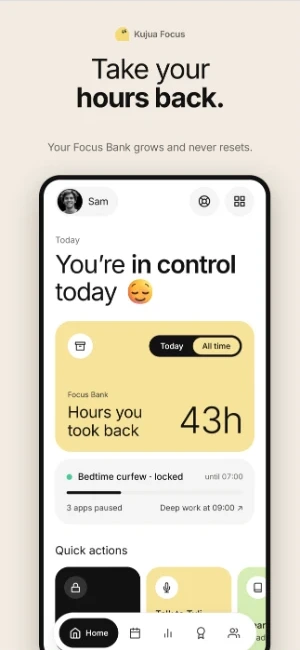
- 01Every screen prototyped with fake data: onboarding, the urge-moment shield, the Spotter, streaks
- 02Fake data swapped for real data, so new users get a real day one
- 03The hard native part: an Android module that actually blocks other apps
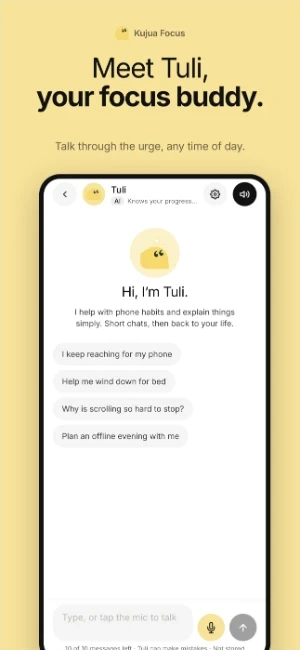
- 04AI added one ability at a time, running on a server so the API key never sits in the app
Phase 4: Ship it to a real device
Every working step ended in a Git save point and a push. Then a cloud build turned the project into an install file for my phone. The first build failed. The disk was full.
bash$ eas build --profile development
✗ Build failed: the disk was full
$ npm cache clean --force   # freed 2.7 GB
$ eas build --profile development
✓ Android install file readyThe loop inside every step
Ask, build, try it on the phone, react, save, update the docs. Twelve steps sounds like a lot. Each one is just that loop until it works.
Written by
Samuel Audu
I build real products with AI and teach the process in a live class. More about me